An incredibly effective way to improve the performance of your Google Ads campaigns is by adding audience segments to your account. In this blog, we’ll explore the benefits of adding audiences, either observing or targeting, to your Google Ads campaigns and provide some tips on how to do it effectively.

What are audiences in Google Ads?
An audience segment in Google Ads is a group of people who have shown an interest in a particular topic or have a specific demographic or behaviour, they can also be people who fall into an ‘In Market’ group based on their search history and online behaviour. By adding and observing these audiences, you can gather data to inform decisions on whether to target them by adding a positive bid adjustment or not, by adding a negative bid adjustment. Audiences that are more likely to enquire or buy can be prioritised, enabling you to reach more of the people who are more likely to be interested in your products or services.
Benefits of Adding Audiences to Your Google Ads Campaigns

Adding audiences to your Google Ads campaigns can have a range of benefits, including:
Better targeting
By adding audiences to your campaigns, you can target people who are more likely to be interested in your products or services. This can be beneficial to make the most of limited budgets, improve the effectiveness of your campaigns and increase your ROI.
Improved performance
By targeting the right audience, you can improve the performance of your campaigns. This can lead to higher click-through rates, conversion rates, and lower costs per conversion.
Better insights

By analysing the performance of your campaign’s audience segments, you can gain valuable insights into the behaviour and preferences of your target audience. This can help you refine your targeting and improve the effectiveness of your campaigns over time. It can also inform much more than your Google Ads, providing data that you can feed into other aspects of your marketing, including your Email Marketing, SEO, and so much more!
Want more insights from your Google Ads? We’re offering a free audit of your campaigns, offering professional insights into how to maintain the most profitability from your account.
The Difference Between Audience Observation and Targeting
Some of the audience types that we’ll talk about further in this article will have an option for either adding the segment as an ‘observation’ or a ‘target’. Here’s a rundown of the difference:
Audience Observation
In short, audience observation is about collecting and analysing data to gain insights into your audience, providing data on how different segments are interacting with your ads and your website. At this stage, you are simply ‘observing’ how a segment interacts with your adverts.
For example, you add people who enjoy extreme sports into your ‘audience observation’. If you then find that these people are interacting positively with your ads (such as making enquiries), you may then decide to prioritise them in your campaign by adding a bid adjustment or testing further changes to the ads and campaigns to suit this audience.
Audience Targeting
While audience observation is using data to understand how people interact with your ads, audience targeting is about using that data to specifically target segments with your ads.
It is important to remember here that your ads will ONLY show to the people in your audience targeting segment. This is really effective when you want to remarket to certain people that have interacted with your website, shoppers who add products to their basket but don’t purchase can be targeted with special offers.
Understanding the Different Types of Audiences
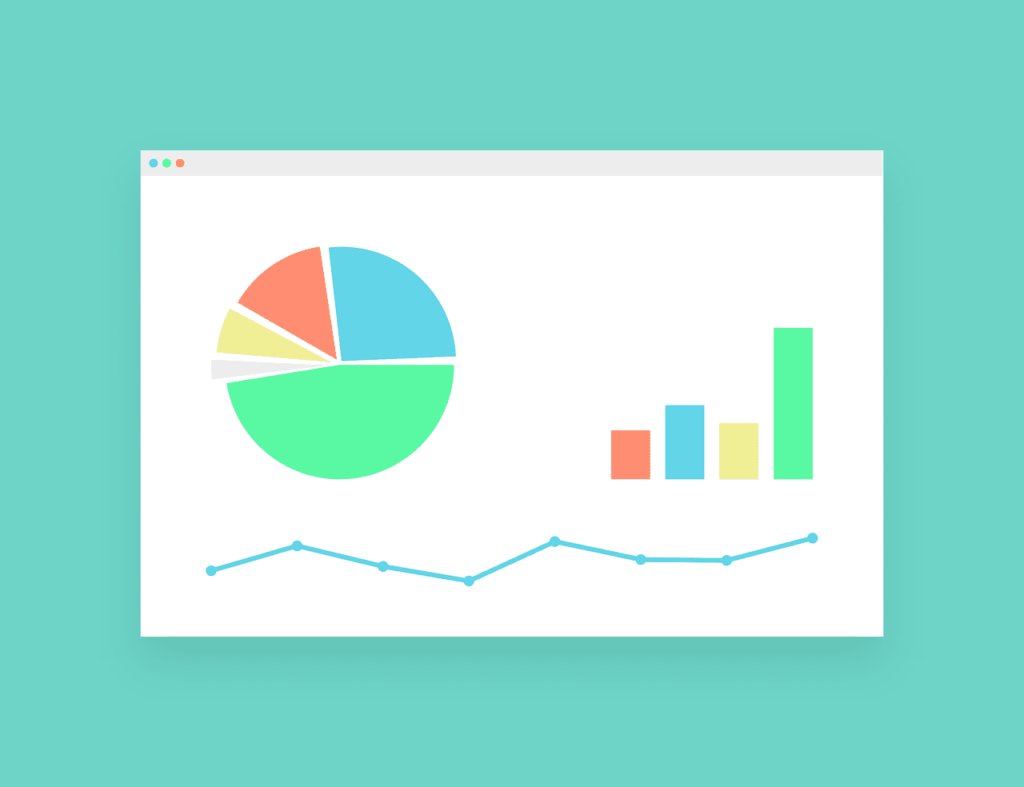
Detailed Demographics (Google’s Data)
Within this targeting, we’re able to go further than basic age/gender information, and more towards different life stages, such as home ownership, education levels, and more.
Affinity Audiences (Google’s Data)
These are groups of people who have shown a strong interest in a particular topic or category, such as sports, travel, or technology. These audiences tend to be pretty stable and are often based on the hobbies and general interests that people have.
In-Market Audiences (Google’s Data)
These are people who are actively searching and comparing products or services in a particular category, such as home appliances or car rentals. In-Market audiences can change frequently, making it a great way to catch a searcher’s attention when they’re in the market for your products.
Remarketing Audiences (Your Website Data)
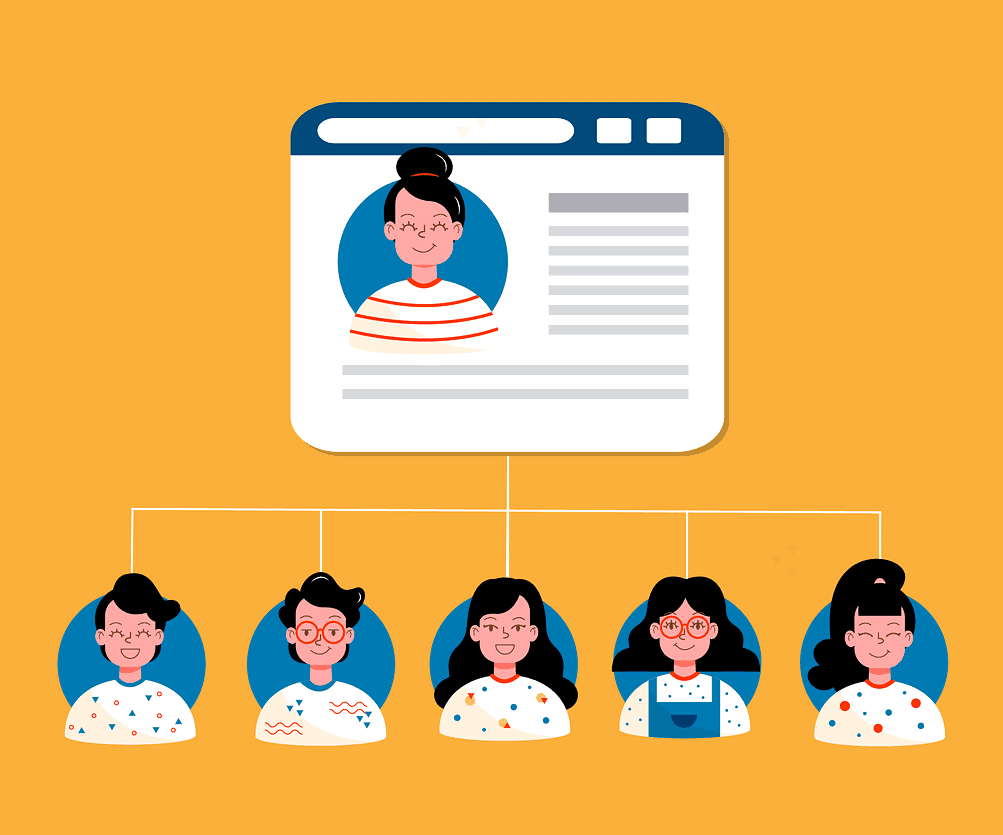
These are people who have already interacted with your website or clicked on your ads and are more likely to convert. Using your conversion tracking, Google finds these people and prioritises your ads over your competitors.
Remarketing is one of the most cost-effective forms of advertising, as the users have already shown a level of intent in what you have to offer, making a conversion much more likely than someone who’s never visited your website before. If your website already receives a healthy amount of traffic to the pages you want people to visit, retargeting is an option we would generally recommend.
If you’re thinking of implementing retargeting, this must be done in a separate campaign and respective ad groups that are specific to your audience in order to maximise the relevancy of the ads.
Remarketing tends to require some form of conversion tracking. The way in which your conversion tracking is set up has a huge impact on the data it puts out not only to you but also platforms such as Google Ads. For improved insights on how users are interacting with your website, contact us for a free consultation.
Customer Match (Your Data)
If you have a database of emails or phone numbers, this can become incredibly useful in targeting your Google Ads campaigns. By uploading this data, Google will be able to not only match some of the searchers and prioritise your ads over your competitors, but also create new audience segments for people with similar profiles to those in your customer data lists. This makes it excellent for ensuring repeat customers and higher conversion rates, which as we all know is usually cheaper than finding new customers.
Best practices for adding audiences to your Google Ads campaigns

Define your target audience
Before you start adding audiences to your campaigns, it’s important to define your target audience. One of the best ways to do this is by creating a visualised customer persona, which visually demonstrates the characteristics of your best customer, including the brands they engage with, hobbies, personality traits and more. All of this information can feed into Google’s audience targeting incredibly effectively.
Use exclusions to refine your targeting
Exclusions can help you refine your targeting and avoid showing your ads to people who are unlikely to be interested in your products or services. For example, you can exclude people who have already purchased from your website, use certain unrelated keywords, or people who are outside of your target location.
By adding even the most obscure audience segments as observations to your campaigns allows you to test and analyse the data which can help you determine what you can exclude – and ultimately reduce the amount of wasted spend in your account.
Test and optimise your audience targeting

Like any aspect of your Google Ads campaigns, it’s important to test and optimise your audience targeting over time. Monitor the performance of your campaigns and make adjustments as needed to improve your results. For example, you can adjust your bids for different audiences or test different combinations of audiences to see what works best.
We’ve been optimising Google Ads campaigns since the platform was launched over 20 years ago! We’ve created a free guide that provides the best practices for auditing and optimising your campaigns for success. Download your Free Guide Here.
Combine different types of audiences
To improve the effectiveness of your targeting, consider combining different types of audiences. For example, you can target people who are in-market for a particular product and also have a specific interest in a related topic.
Create audience-specific ads

Creating audience-specific ads can help you improve the relevance of your ads and increase your click-through rates. For example, you can create ads that speak directly to people who are in-market for a particular product or service, and then other ads that are designed for people not yet in-market and still in the decision-making phase.
Use audience insights to refine your campaigns
By analysing the performance of your campaigns by audience, you can gain valuable insights into the behaviour and preferences of your target audience. Use these insights to refine your targeting and improve the effectiveness of your campaigns over time.

Get a free comprehensive guide to Google Ads!
With so many new features within Google Ads each year, the companies that fail to apply the most up-to-date practices usually get left behind, bidding more than they need to and attracting the wrong search queries.
With so much competition, Google Ads audits are no longer a ‘nice to have’, but they’re essential for maintaining profitability!
Our job is to learn the latest updates and best practices and put them into a tidy guide so that you don’t have to!
By conducting an audit, you can find areas of bad practice and make a handful of changes that can often transform the ROI you’re seeing from your advertising spend.
Get your Free Google Ads Audit Guide today!
Conclusion

It’s a practice that not many people do, but adding audiences to your Google Ads campaigns can be an incredibly effective way to improve performance.
By targeting the right audience, you can improve the targeting of your campaigns, leading to higher click-through rates, lower costs per click, and more conversions at a lower cost per conversion. By analysing the performance of your campaigns by the audience, you can gain valuable insights into the behaviour and preferences of your target audience, helping you refine your targeting and improve the effectiveness of your campaigns over time.
Remember to test and optimise your audience targeting over time and consider combining different types of audiences to improve the effectiveness of your targeting.
With these tips and best practices in mind, you can take your Google Ads campaigns to the next level and achieve better results.
We hope you’ve found this article useful! Please do not hesitate to contact a member of our team for more information on the contents of this article, or to request a Free Google Ads Audit.
Google Ads Training
While PPC agencies can effectively execute Google Ads’ best practices, you may opt to train your in-house marketing team to manage campaigns. Not only do we deliver ROI-driven digital marketing but we also provide over 20 years of PPC training to companies globally, enabling them to expand their workforce and increase profitability.
As a bonus, we are offering a complimentary digital marketing training consultation to identify potential areas for enhancing your team’s performance.